Free for Windows · v1.0

Solar timelapses, from capture to finished video.

S.U.N. Studio stacks your SER videos, scores and aligns the frames, grades them with curves made for the Sun, and exports a steady timelapse. It handles the prominences, the limb and the disk together.

135 MB · Windows 10 or 11, 64-bit · nothing else to install

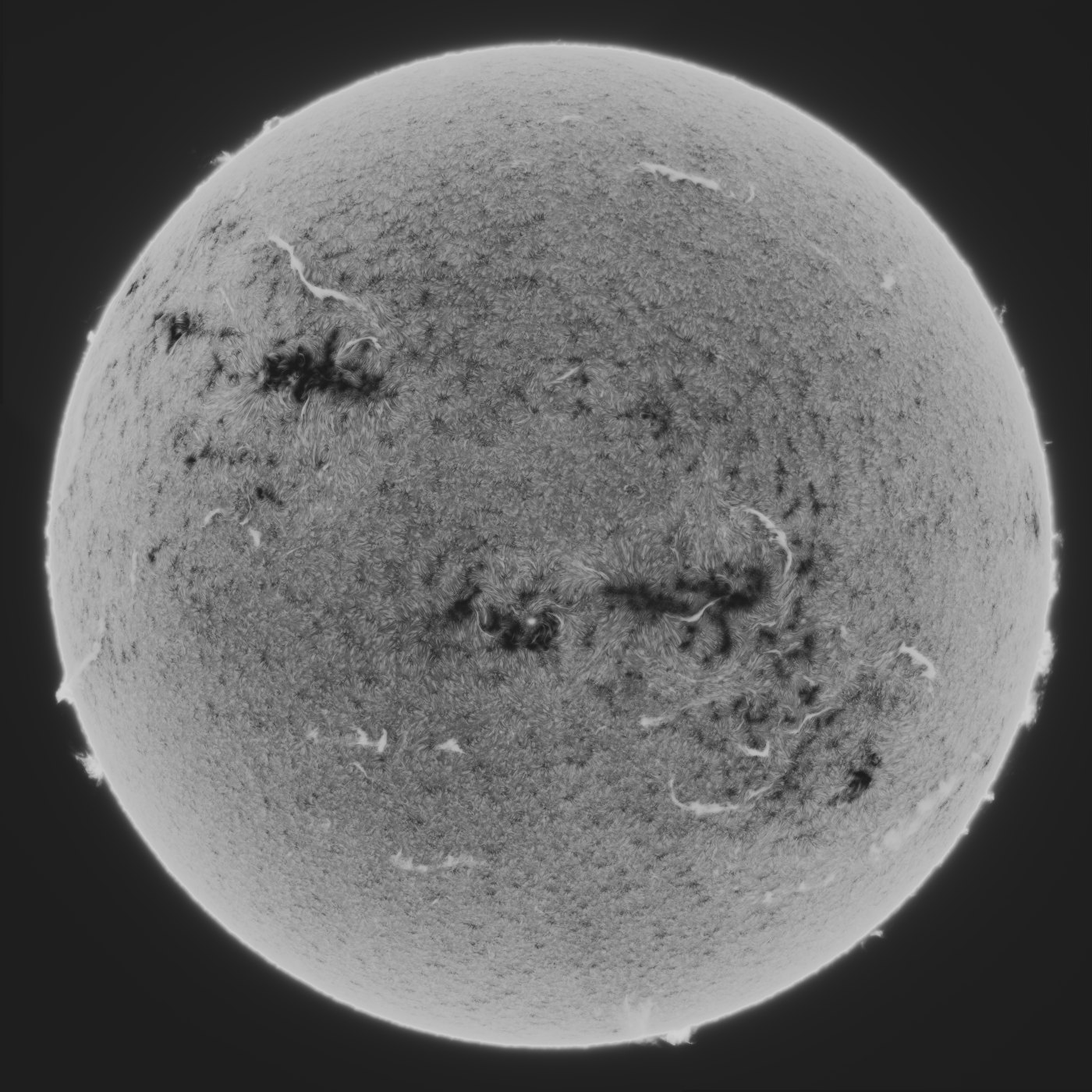
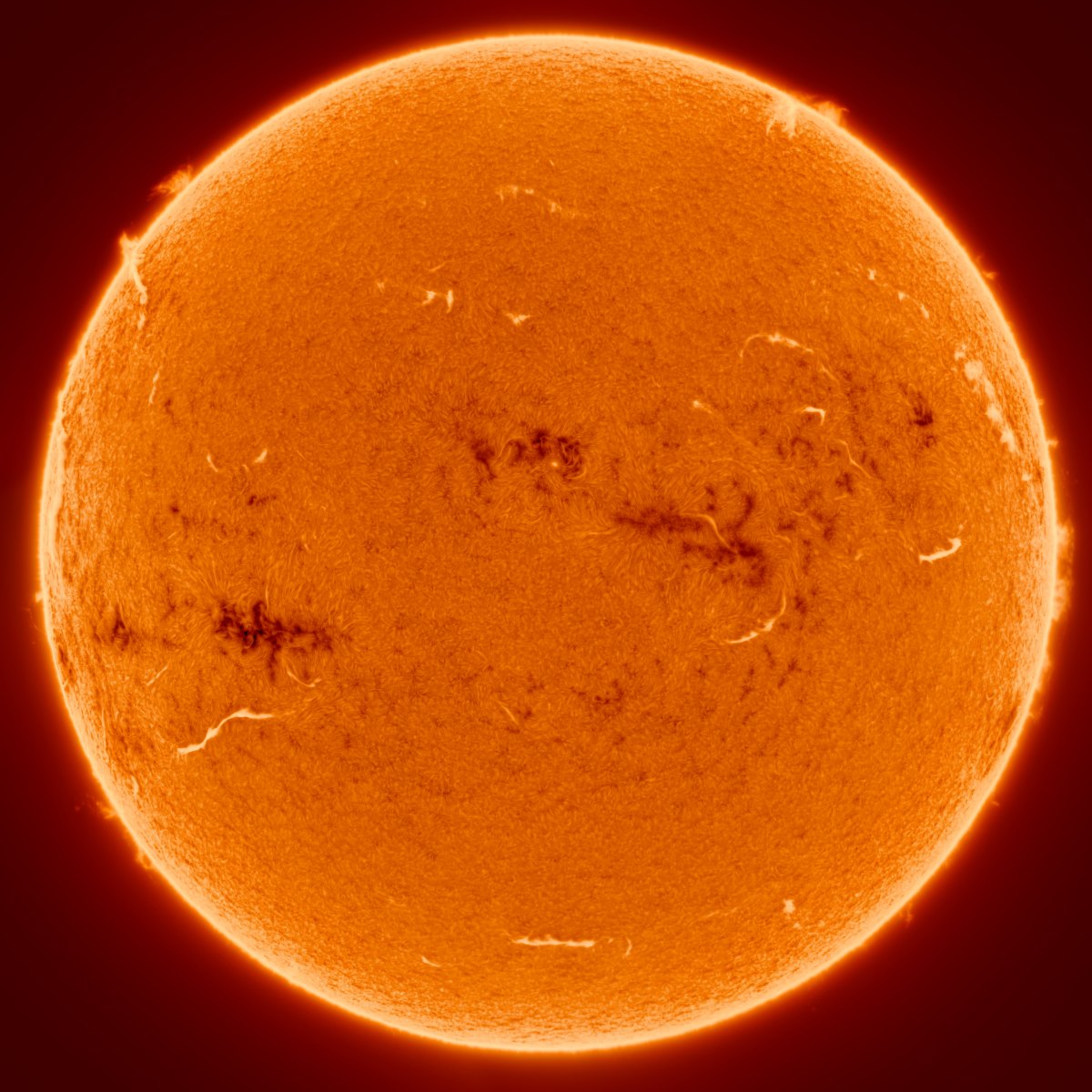
The full solar disk in H-alpha, joined from four panels, with filaments, active regions and prominences at the limb
A full-disk H-alpha mosaic, four panels joined
  1. 01

    Stack

    Stack a folder of SER videos, each capture with its own best share of frames, or start from stacked TIFFs you already have.

  2. 02

    Score and align

    Soft and cloudy frames are found, a reference is picked, and every frame is aligned to it.

  3. 03

    Grade

    Sharpening, a solar tone curve, the prominences and a colour palette, all previewed live.

  4. 04

    Export

    MP4, GIF or 16-bit TIFF frames, or a single still.

What it does

Built for the Sun, start to finish

Every step knows where the disk, the limb and the sky are, so a stretch that brings up a faint prominence doesn't burn out the surface beside it.

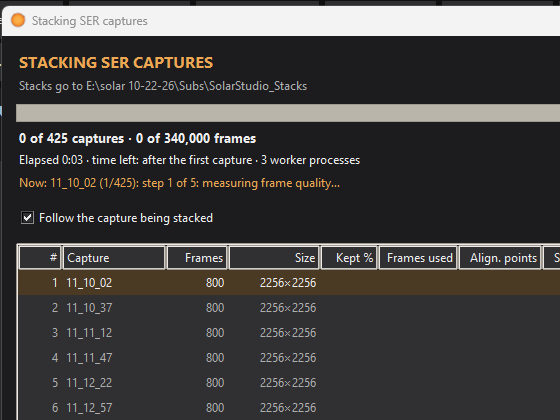
The stacker's window: a row for each capture, with its frames, size and progress

A stacker of its own

Give it a range, 15–80 % by default, and it works out for every capture which share of the frames holds the most real detail for its noise: fewer frames when the seeing was unsteady, more when it was calm. Each patch of the disk takes its own sharpest frames, and every stack holds steady against the next.
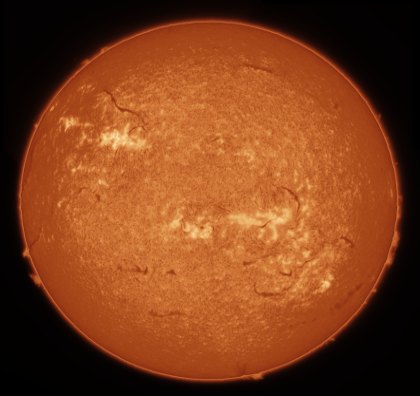
A mosaic of the Sun after Auto stretch, positive

Auto stretch

Measures the sky, the prominences and the disk, and writes a solar tone curve for them in one press, positive or inverted.

Prominences rising from the solar limb in H-alpha

Prominences and the limb

Brings up faint prominences without lifting the disk, with a chromosphere rim, halo cleanup and an off-limb curve of their own.

A full-disk mosaic of the Sun joined from four panels, inverted

Mosaics

Joins overlapping panels into one full disk, evens out their brightness and skies, and hides the seams.

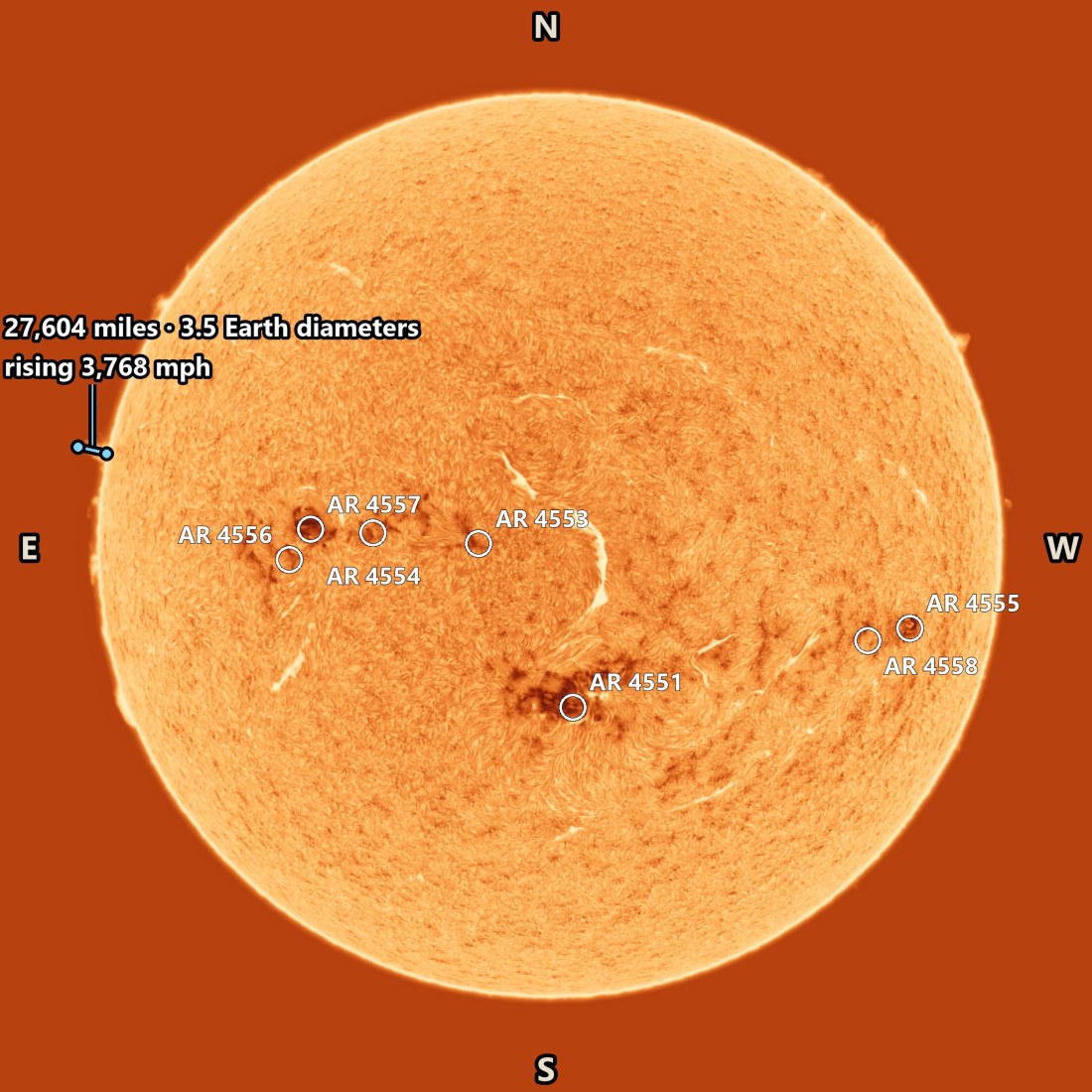
The full disk with its active regions labelled, N, E, S and W at its edges, and a prominence measured at the limb

Solar north and overlays

Turns your frames so north is up, then labels the active regions, draws a heliographic grid and measures heights and speeds.

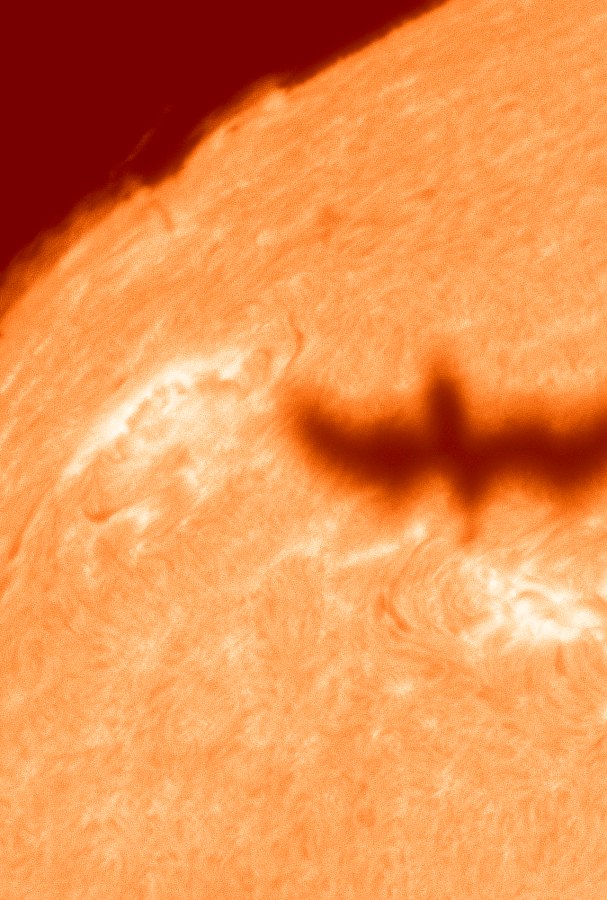
A bird's silhouette crossing the solar disk

Transits

Finds birds, aircraft and the ISS crossing the Sun in your captures, with a clip, a composite and the frames.

All the features →

A prominence changing shape at the limb, beside an active region
Timelapse

Watch the Sun move

Every frame is aligned to the reference and the seeing's shimmer is taken out, so the surface holds still and the prominences move as they really did.

  • The brightness held steady from frame to frame, with the detail kept
  • In-between frames for smooth playback, and even pacing across gaps in the captures
  • The capture time burnt in, with sunspot labels and measurements if you like
Positive or inverted

One press, two ways to see the Sun

Auto stretch writes a curve made for solar images. Positive gives a black sky and bright prominences with a thin rim at the limb. Inverted gives the classic dark-on-light look, with the prominences still bright.

  • Measured from your own frame: the sky's noise, the typical and brightest prominences, the disk's tones
  • The sky stays flat, so there are no blotches in the background
  • Fine-tune afterwards with the prominence controls, Levels and the curve
The mosaic stretched inverted The mosaic stretched positive
PositiveInverted
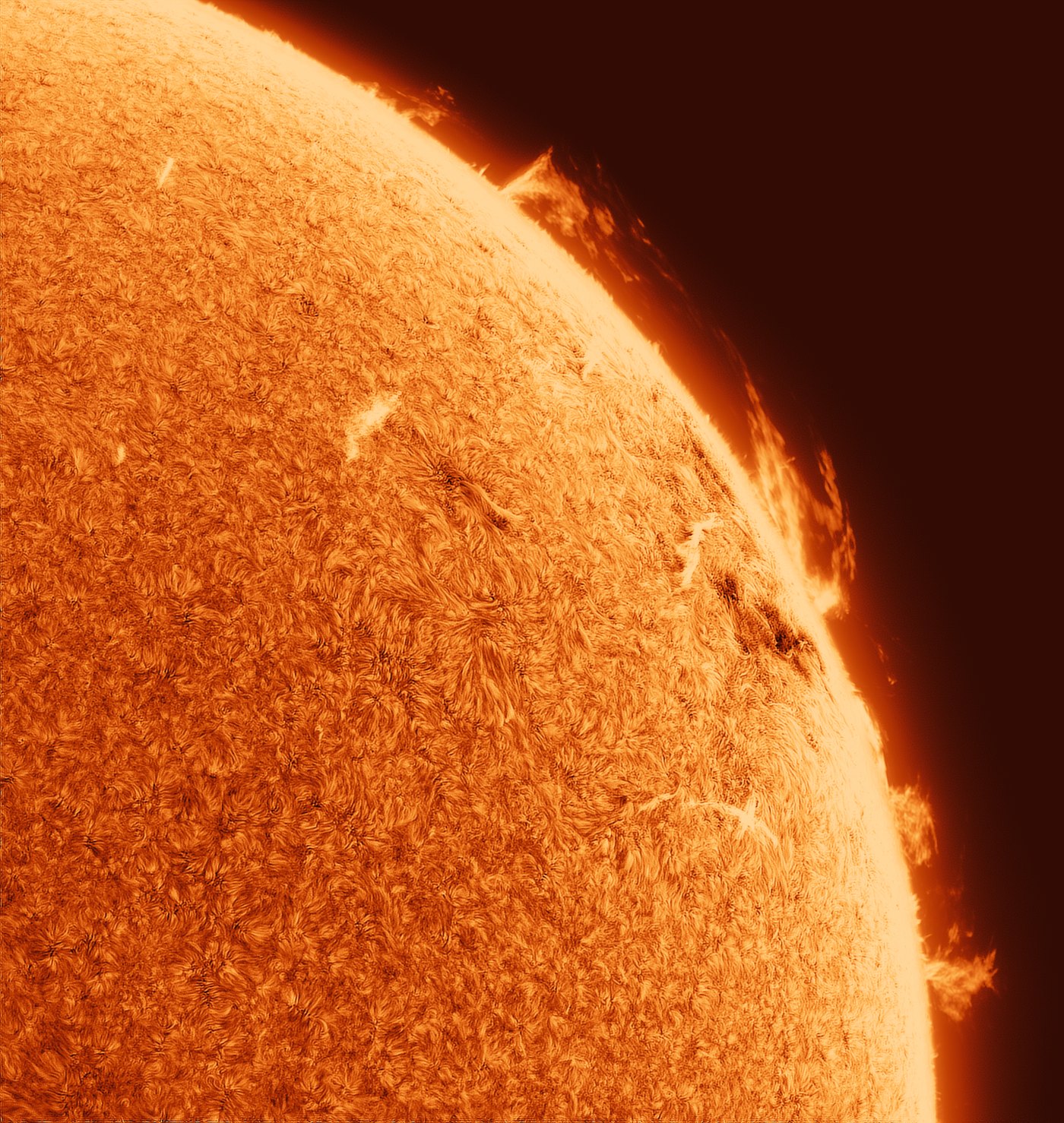
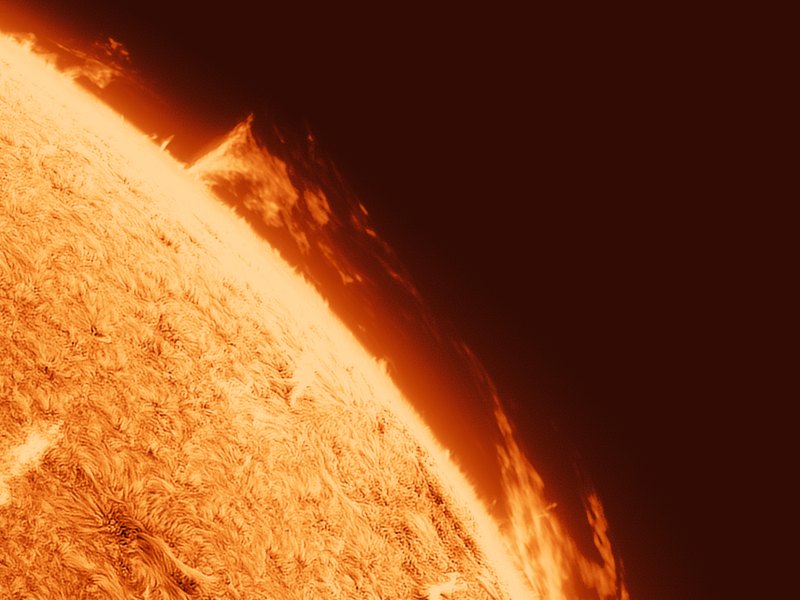
A close-up of the solar limb in H-alpha: prominences above the bright chromosphere, the fibrils of the surface below
The limb in H-alpha: prominences above the chromosphere, the surface's fibrils below.
Download

S.U.N. Studio 1.0

Free. Unzip it to a folder and run S.U.N. Studio.exe. Python and every library are inside.

Version
1.0 · 6 November 2026
Size
135 MB (zip)
Needs
Windows 10 or 11, 64-bit · 8 GB of memory or more
Reads
16-bit TIFF stacks, mono SER videos, FITS master flats
Licence
Free to use, not for resale · made by Lewis Phillips
Download the zip

Checksums and later versions: all releases

The first time you run it, Windows may say "Windows protected your PC". That's because the program is new and unsigned. Click More info, then Run anyway.

Latest improvements

  • Mosaics balance the panels' skies, so there's no line where two panels meet, even at a strong stretch.
  • The crop works like a photo editor's: move it, pull its corners and edges, with a grid and its size in pixels.
  • Export with a single image offers Save Still… instead.
  • Auto stretch keeps the sky exactly flat below its noise.

All releases →